How to Perform a Full Technical SEO Website Audit to Fix Critical Crawl Errors
A step-by-step technical inspection blueprint to diagnose HTTP status codes, robots.txt directives, canonical conflicts, and heading structures.
Direct Definition & Core Concept
Popular Keyword Searches & Topics for Website Audit Tool
Click any search topic below to immediately run real-time autocomplete predictions, monthly search volume, and SERP competition in the Website Audit Tool:
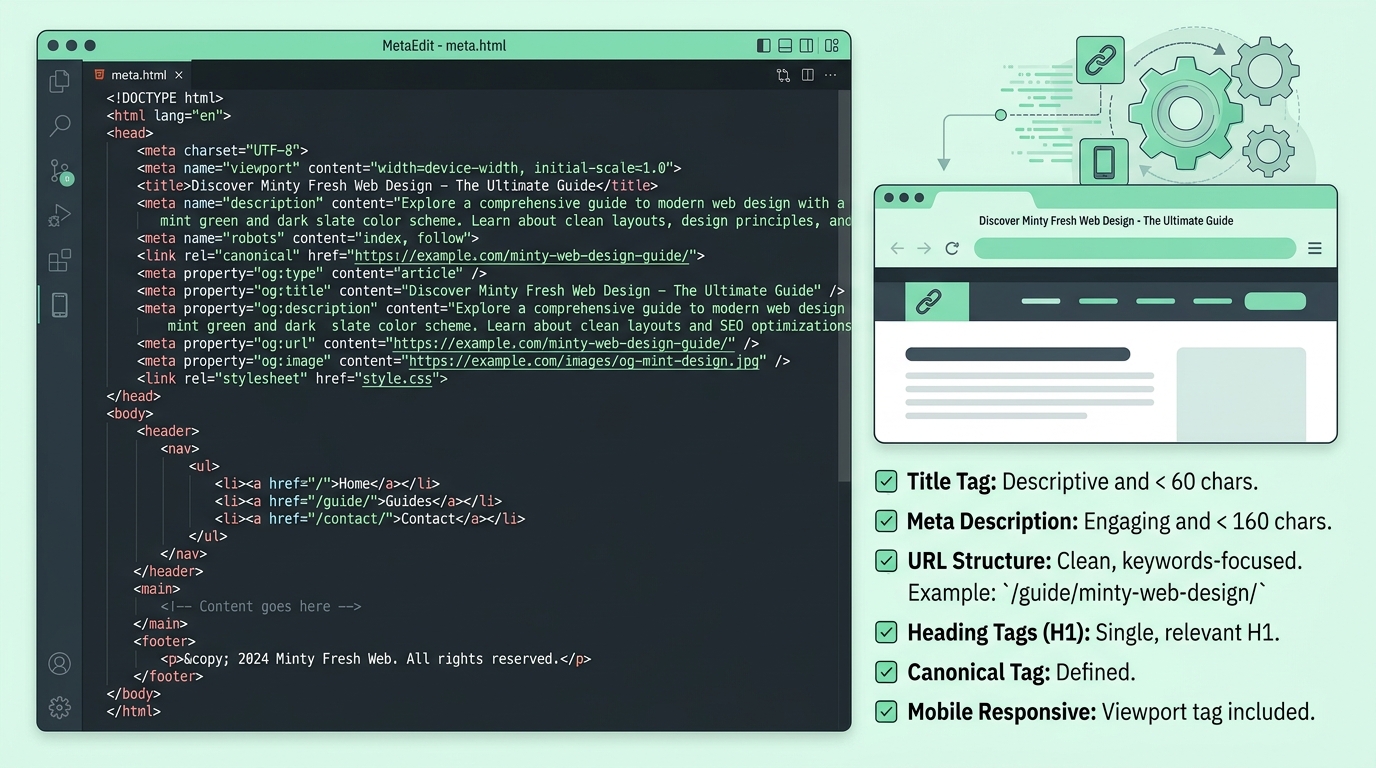
Common Technical SEO Issues & Ready-to-Use Code Fixes
Review these fundamental code fixes for standard on-page technical errors:
| Technical Check | Ideal Benchmark | Severity If Broken |
|---|---|---|
| HTTP Status Code | 200 OK (Clean responses) | Critical (404/500 drops pages from index) |
| Canonical Tag | Self-referencing absolute URL | High (Risk of duplicate content dilution) |
| Robots.txt | Allows CSS/JS and main URLs | Critical (Can block entire site from Googlebot) |
| Image Alt Text | Descriptive, non-empty alt attributes | Medium (Affects image search & accessibility) |
Step-by-Step Method
Follow this practical workflow to achieve measurable organic results in minutes.
Switch to Website Audit in Console
Select Website Audit from the platform selector in the hero console.
Enter Target URL or Domain
Input your domain (e.g. example.com or https://mysite.com) into the audit input box.
Select Inspection Mode
Run Full Technical Audit, Metadata & Alt Tags, Security & Protocol, or Directive inspection.
Inspect Health Score & Apply HTML Fixes
Review detected issues and copy ready-to-use HTML code fixes directly into your CMS or repository.
Common Mistakes
Avoid these high-friction errors that derail indexation and organic rank momentum.
Core Ranking Factors & Metrics
Search engines weight these specific attributes when computing SERP visibility.
Detailed Strategy & Technical Nuance
The Anatomy of a Technical SEO Health Score
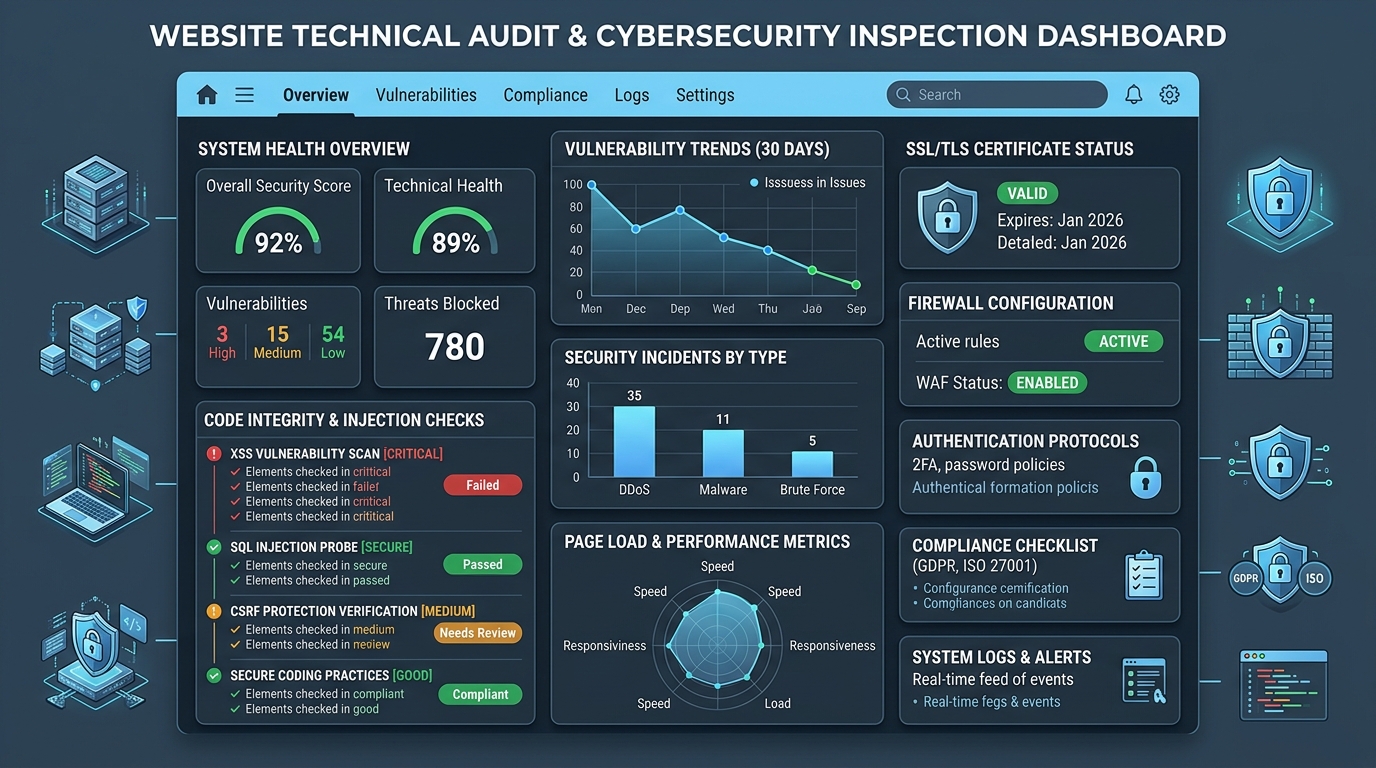
Even top-tier content cannot rank if search engine crawlers encounter technical roadblocks. A full technical website audit inspects server response headers, SSL security certificates, and directive files.
Resolving crawl issues ensures Googlebot allocates crawl budget to your revenue-generating pages.
Website Audit Tool
Inspect HTTP status, SSL, canonical tags, heading hierarchies, and image alt attributes with zero setup.
Why use this: Run instant technical diagnostics on any live domain.
Frequently Asked Questions
Direct answers to common search questions regarding Website Audit Tool and On-Page SEO.
Does running a website audit slow down my site?
No. Our crawler performs lightweight HTTP requests that do not impact live server performance.